Here's how most Australian businesses build their compliance system: a blank Word document, a stack of standards nobody wants to read, and either a very long month or a very large consultant invoice. Then the policies sit in a shared drive, the forms live somewhere else, and nobody's quite sure which version staff actually signed.
That's changed. IndyForms now connects directly to Claude, so you can write your policies, procedures and forms in one conversation and have them built straight into IndyForms: filed, linked, version-controlled and ready to use.
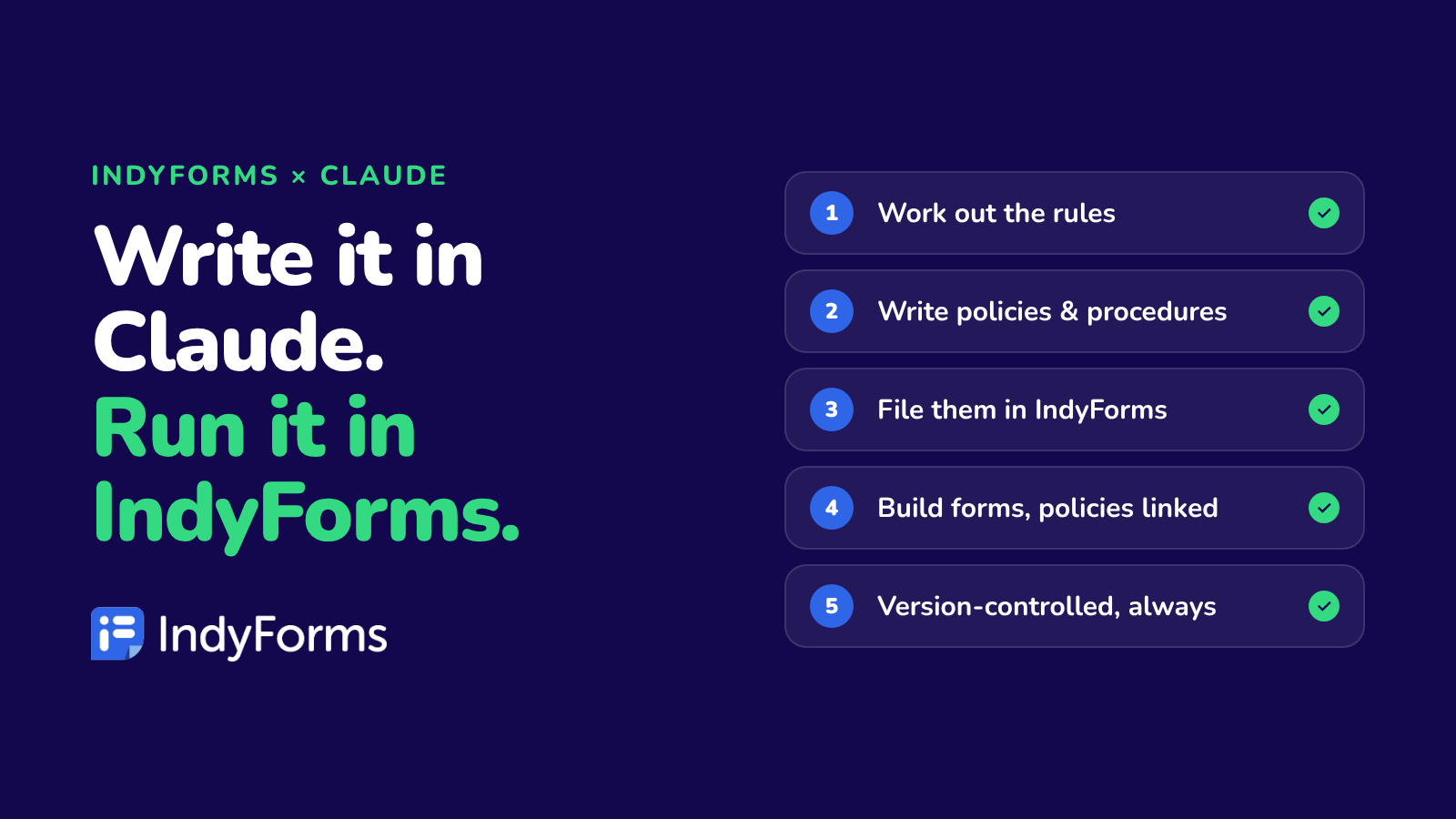
Write it in Claude. Run it in IndyForms.
What actually changed
IndyForms is now listed in Claude's connector directory. Connect it once and Claude can work inside your IndyForms account, with your permissions. It can write and upload documents to your library, build and edit forms, search our 2,000+ template marketplace, share forms with staff or clients, and tell you what's overdue.
We covered the "why" in Your AI Is Brilliant. It's Also Locked Out of Your Business. This post is the "how": the exact workflow that takes a business from blank page to audit-ready.
The workflow: blank page to audit-ready in six steps
1. Work out which rules apply
Start where a good consultant would: with the requirements, not the paperwork.
"We're an NDIS provider in Queensland delivering Supported Independent Living and community access. What legislation and standards apply to us?"
Claude lays out the standards and requirements that apply to the services you actually deliver, so you're not writing policies for things you don't do.
2. Write the policies and procedures
"Write our full policy and procedure set based on those services, mapped to the NDIS Practice Standards."
Claude drafts each policy in plain English, using your business name and your services. You read it, push back, and ask for changes the way you would with a colleague.
3. Upload them into IndyForms
"Upload each policy into IndyForms and file them in the Policies folder."
Each document goes straight into your IndyForms document library as version 1, filed where you want it. No downloading, renaming and re-uploading.
4. Build the forms your procedures call for
"Build the forms these procedures need: client intake, service agreement, risk assessment, incident report and progress notes. Link the relevant policy into each one."
Claude builds each form with signatures, tables, dropdowns and calculations. Where a marketplace template already fits, it starts from that. The relevant policies are linked inside the forms, so staff read and sign the current version. Every form arrives as a draft, and nothing goes live until you say "publish".
5. Roll it out
"Send the policy acknowledgement form to all support workers, due Friday, and raise an action for anyone who hasn't done it."
Claude shares forms with staff, whole roles or people outside your business, sets due dates and raises action items. It checks the recipient list with you before anything is sent.
6. Keep it current
"The rules on restrictive practices have changed. Update our policy and the related form."
Claude rewrites the policy, uploads it as a new version and updates the form in draft for your review. Which brings us to the best bit.
It's all automatically version-controlled
Every policy Claude uploads or updates becomes a new version in IndyForms, with the full history kept. That means:
- No more "Policy_FINAL_v3_actualfinal.docx". There's one current version, and everyone sees it.
- Signed records stay tied to the version they signed. New records get the latest version automatically.
- Update once, update everywhere. Every form that links a policy shows the new version, with no form edits needed.
- Auditor asks what your policy said last March? Pull up that exact version in seconds.
Claude does the writing. IndyForms does the record-keeping. You don't have to think about either.
What stays in your control
AI building your compliance system should make you more in control, not less. So the connector is built with guardrails:
- It only sees what you can see. Claude works with your IndyForms permissions, nothing more.
- It asks before it changes anything. Uploads, new forms and shares are confirmed with you first.
- Forms stay drafts until you publish. And records already created stay on the version they were made with.
- It can't delete your forms or records.
- Your IndyForms data stays in Australia, on ISO/IEC 27001-certified infrastructure hosted in Microsoft Azure Australia East, with a full audit log.
One honest note: Claude writes strong first drafts, but you know your business. Read what it writes, adjust it to how you actually operate, and get specialist advice where the stakes are high. The difference is you're editing a solid draft in an afternoon, not starting from a blank page for a month.
Who this is for
- New providers who've just registered and need a full system fast: NDIS, aged care, childcare, allied health.
- Established businesses whose policies are scattered across shared drives and need pulling into one place.
- Anyone facing a regulation change who needs to update policies and forms without rewriting everything by hand.
- Trades and construction businesses that need SWMS, inductions and site checklists built and rolled out quickly.
Connect it in two minutes
- Start your free 14-day IndyForms trial (no credit card).
- In Claude, open Customize → Connectors and search for "IndyForms".
- Click Connect, sign in to IndyForms, and start asking.
FAQ
Do I need a Claude account?
Yes. The connector works inside Claude, so you'll need a Claude account as well as your IndyForms account.
Does this replace Ask Indy?
No, they work together. Ask Indy is the AI built into IndyForms. The Claude connector brings IndyForms into Claude, alongside your email, calendar and other apps, so Claude can work across all of them at once.
Can Claude fill in forms for me?
Claude builds forms, creates records and sends them to the right people, but the answers are filled in by your team, clients or participants, the people who should be signing off.
Will this make me compliant?
It makes building and maintaining your system dramatically faster and keeps the evidence organised and versioned. Compliance still depends on how you run your business day to day. IndyForms just makes the paperwork as easy as possible.
Ready to stop starting from a blank page?
Write it in Claude. Run it in IndyForms. Start your free 14-day trial, no credit card needed.